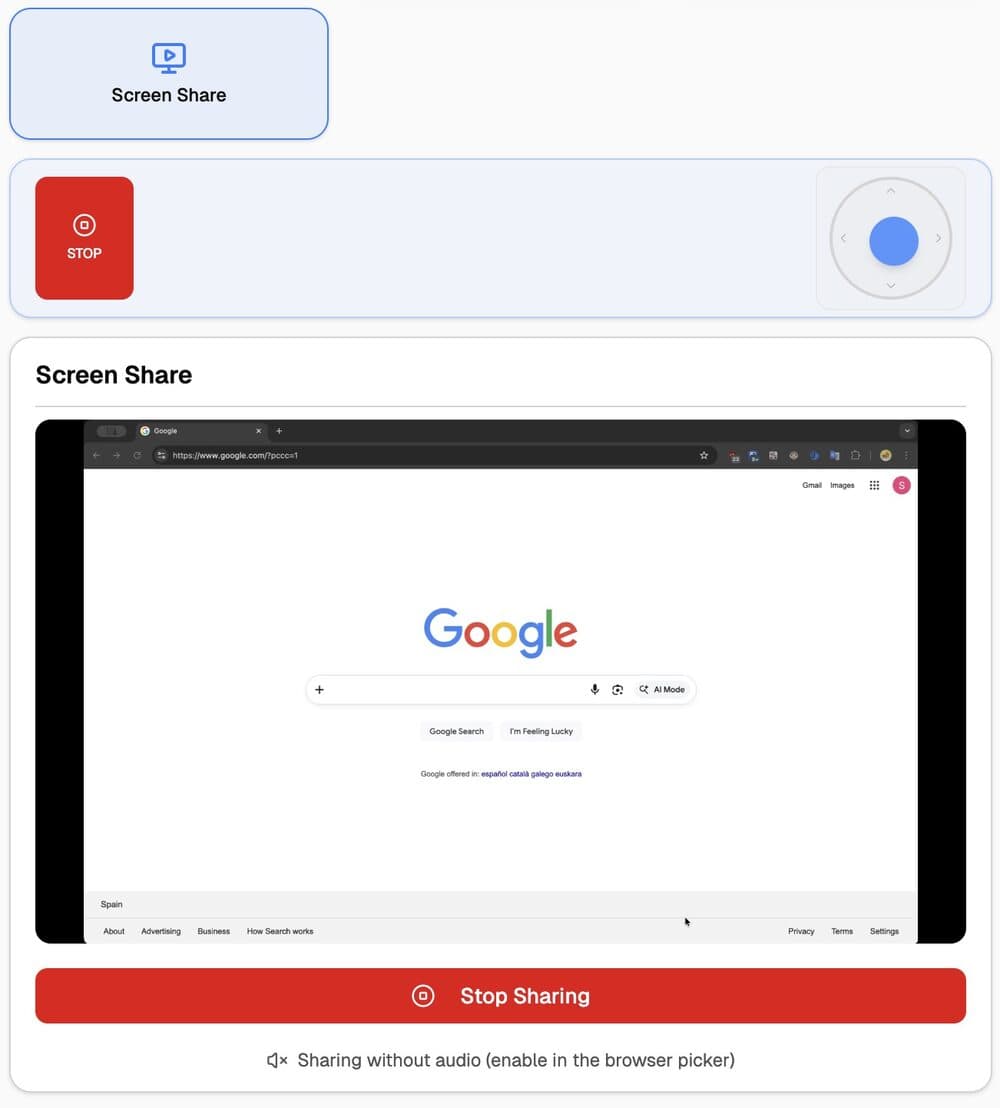

Screen sharing
Laptop screen sharing, no install.
Join the venue Wi-Fi, open the Soljacast URL, choose Screen Share. Browser-native sharing handles the rest.
Standard browser flow.
Pick tab, window or full screen from the browser's "Choose what to share" dialog.
Pick a target screen.
Cast to Screen 1 or Screen 2 with one tap.
Works with any OS.
Use any modern browser. No install required.
System audio supported.
Stream optional system audio alongside the share.